How to get more catering enquiries through your website
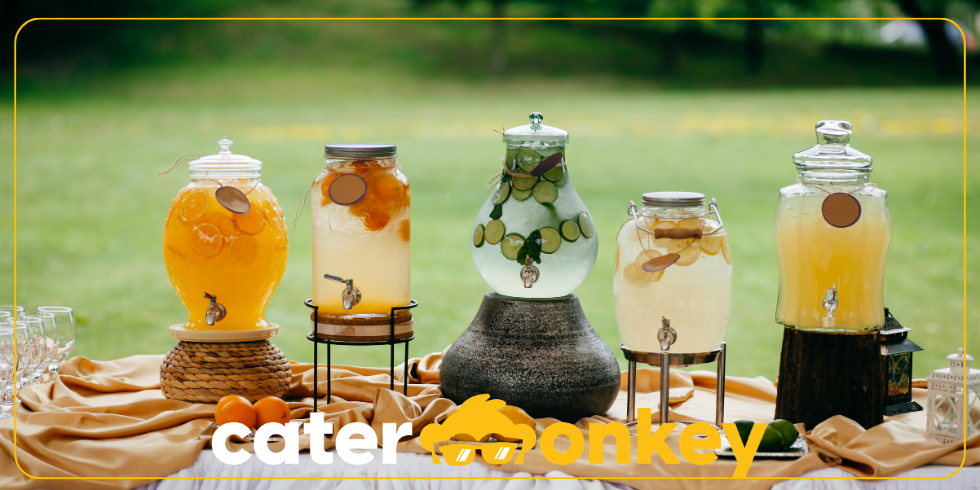
Your website looks good, but enquiries trickle in slowly. That's rarely about your prices or your offer. The problem is usually in the path a visitor has to take from "this looks good" to "I'll send a message". Small changes to that path make a noticeable difference.
The enquiry button is there, but is the path right?
Most caterers have a contact form or a "request a quote" button somewhere. But how easy is it to find? If a visitor needs three clicks to reach the form, you lose a chunk of them along the way. The enquiry button should be visible at the top of your homepage and on every page where you describe your offer. Not buried in a menu, not only at the bottom of the page.
Also look at what comes after the click. A form with ten required fields pushes people away. Ask only what you actually need to start a first conversation: name, contact details, date, type of event and number of guests. The rest you sort out by phone or email.
Building trust before someone gets in touch
Someone visiting your website for the first time doesn't know you yet. Before that person sends a message, they want to look around first. What you need for that:
- Photos of your work. Real photos of events you've catered. No stock images. A photo of a buffet you laid out says more than ten paragraphs of text.
- One or two client responses. A short quote from a happy client, preferably with their name and the type of event. That creates recognition.
- Clear about what you do and for whom. A visitor should understand within ten seconds whether you're the right caterer for their event. Mention the types of events you cover and the area you work in.
Lowering the barrier: fewer fields, more enquiries
Every extra required field in your form costs you enquiries. That's not a feeling, it's what you see when you compare forms. A simple test: ask someone else to fill in your form and watch where they hesitate or drop off.
What works well:
- Form visible directly on the page, not behind an extra click.
- Maximum five or six fields for an initial enquiry.
- A clear button label: "Request a quote" works better than "Submit".
- A short confirmation message after submitting: "We'll be in touch within one working day." That puts people at ease.
What's on your contact page, and what could be better
Your contact page is the one people visit when they're almost ready. Make sure that page doesn't just contain a form, but also confirms they're in the right place.
Add: a phone number for people who'd rather call, your service area (so someone from another region doesn't waste their time), and a short note on response time. These are small additions that remove doubt at exactly the moment someone is making a decision.
How fast you respond matters too
Whoever responds first to an enquiry has an edge. That's as true for caterers as for any other service provider. An enquiry that sits for two days sometimes goes to a competitor who called back straight away.
You don't always need to send a full response. A short confirmation that you've received the enquiry and when you'll come back with a quote is enough. It shows you're on top of it. And that's exactly the feeling clients want from a caterer who's going to look after their event.
Frequently asked questions
Do I need a separate landing page for each type of event?
Not necessarily, but it helps if you serve several different markets. A page specifically for wedding catering attracts visitors searching for that, and you can tailor it better to what that audience wants to know than a general page can. Start with the event types you do most, and build from there.
My form gets few submissions. How do I find out what's going wrong?
First check whether the form is clearly visible and whether the page loads well on mobile. Many forms drop off on small screens because fields are awkward to fill in. Then ask someone else to fill it in and watch where they hesitate. That tells you more than any statistic.
How many photos do I need on my website?
Five to ten good photos are worth more than thirty mediocre ones. Choose photos that show your best work: a well-presented buffet, an atmospheric setup, satisfied guests in the background. Swap them out occasionally when you have new material.
Is it a good idea to show prices on my website?
A guide price or a "starting from" figure can help filter out people who are clearly outside your budget, saving both parties time. Whether you show a fixed price depends on how standard your offer is. If every job is different, a "request a quote" without a price makes more sense.
How quickly should I respond to an enquiry?
Within one working day is the standard. Responding faster makes a positive impression. An automatic confirmation that you've received the enquiry costs nothing and takes away uncertainty on the client's side.
Track your enquiries, send a quote quickly and make a great first impression? That's what Catermonkey is for.
Try for free