

Bookkeeping
Export your invoices from Catermonkey to King ERP: as a sales order King invoices, or as a booking in your sales day book.

King ERP is the bookkeeping and ERP software by Björn Lundén that runs on your own King server. Connect it to Catermonkey and every invoice goes to King with one click from the invoice itself, and you choose how.
If King does your invoicing, the invoice arrives as a sales order with one line per product, and King invoices it under its own number. If you already send your invoices from Catermonkey, the connection books the invoice under its Catermonkey number in your sales day book, provisionally, so your bookkeeper reviews it first.
The customer is added to King as a debtor automatically, under the customer number you already use. VAT rates and revenue groups land on the VAT codes, articles and ledger accounts you chose in Catermonkey. Your books add up without double entry.
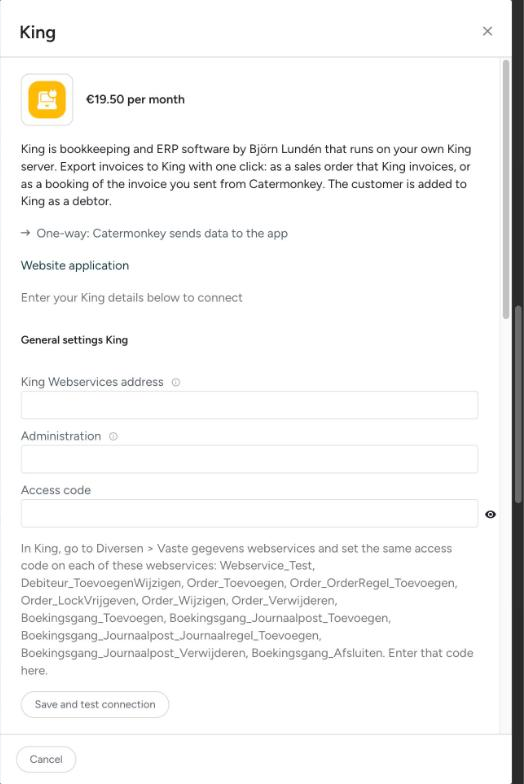
Your King administrator enables King Webservices and gives you the address, the administration and an access code. Enter those under Settings > Integrations > King, pick your VAT codes and you are done. The help article walks you through it.
Want to know more about King ERP itself? Visit the Björn Lundén website.
Turn on the connection during your trial.